
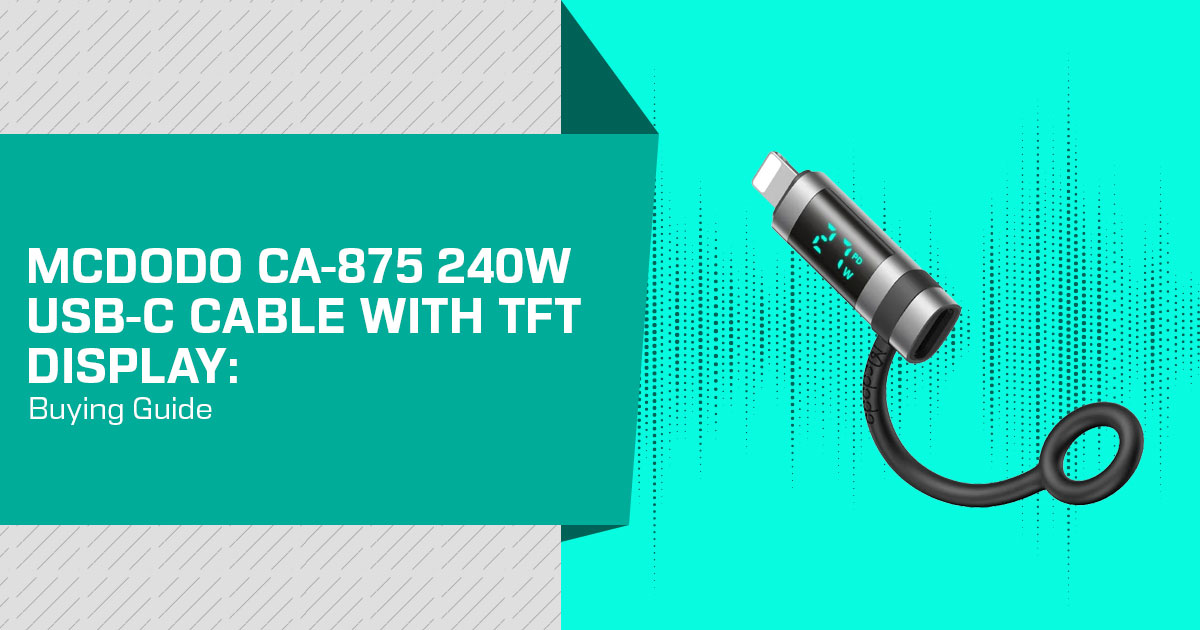
A USB-C cable with a power display can tell you much more than a simple charging icon. Instead of guessing whether your device is drawing 5W, 20W, or more, you can check the voltage, current, and power in real time. The Mcdodo CA-875 puts this information on a small inline display module between the two USB-C connectors, giving you a quick look at what is happening while your device charges.
That sounds useful, but there is an important catch: a higher power rating does not guarantee faster charging. Actual charging speed depends on the charger, device, charging protocol, cable, and power-management system working together. The display tells you what is being drawn; it does not make a phone, laptop, or power bank charge faster.
So who should consider a cable like this? It is aimed at people who care about charging performance and want more information than a basic cable provides. It can be useful for tech enthusiasts, laptop and smartphone users, power-bank owners, gamers, PC builders, repair technicians, and anyone who wants to keep an eye on power consumption. If you simply plug in your device and walk away, however, the display may not be worth paying extra for.
Click here to buy from Amazon
As technology experts with over 20 years of experience in hardware and application research and development, we deeply analyze each product based on real-world performance, durability, and value for money. Our goal is to help you find the best product in every category—budget, performance, reliability, and long-term usage. For this type of product, we pay particular attention to the things that matter after the specifications catch your eye: actual usability, build quality, compatibility, durability, charging behavior, and whether the asking price makes sense. Our recommendations are based on extensive research, component analysis, real-world usability, and industry expertise.
There is another detail worth making clear before we go further. Mcdodo’s CA-875 product page and Notebookcheck’s IFA 2026 coverage identify a 240W USB-C to USB-C cable with a TFT screen display that matches the product design discussed here. Notebookcheck also reported brief hands-on observations of the IFA sample, including its touch controls and display visibility. Those observations are useful context, but they are not independent laboratory measurements of the CA-875. This guide therefore uses Mcdodo’s manufacturer-listed specifications for the product claims and treats the IFA observations separately.
Ultimately, the question is not whether a cable can display a wattage figure. It is whether that information helps you in everyday use and justifies the price. If you regularly troubleshoot charging problems, compare chargers, monitor power draw, or simply want to know what your USB-C devices are actually consuming, the Mcdodo CA-875 is an interesting option. If you only need a reliable cable for charging, a conventional USB-C cable may still be the smarter and cheaper choice.
In this guide, we look at the Mcdodo CA-875’s display, design, charging capabilities, compatibility, build quality, practical use, limitations, and value for money to help you decide whether it is the right cable for your setup.
Manufacturer-listed specifications
These specifications come from Mcdodo’s official CA-875 page. They describe the manufacturer’s claims, not independently measured performance.
| Specification | Manufacturer-Listed Detail |
|---|---|
| Connectors | USB-C to USB-C |
| Charging Capability | Supports charging at up to 240W; Mcdodo’s specification table lists a maximum current of 5A. |
| Display & Controls | Color TFT display with four touch-selectable display modes. |
| Data Transfer Rate | 480Mbps |
| Cable Length | 1.2m |
| Listed Weight | 60g |
| Color & Materials | Black finish with zinc alloy and nylon construction. |
Documentation caveat: Mcdodo’s specification table lists 5A maximum current. Its promotional copy also contains a conflicting 48V/6A figure, which would equal 288W and does not match the stated 240W rating. Because the specification table is the clearer product specification and 240W at 48V corresponds to 5A, this guide uses 5A maximum and does not repeat the conflicting 6A claim.
Click here to buy from Amazon
USB-C cable with touch controls: what the screen adds
The product illustration shows an inline display module with a circular control below the screen. Mcdodo describes tapping to switch between four layouts. This establishes touch-operated display controls, not a verified ability to select charging voltage or current through the interface.
The illustrated layouts show three electrical quantities:
- Watts (W):
- Volts (V):
- Amps (A):
For example, 20V × 3A = 60W. That is an explanatory calculation, not a measurement from this cable. Mcdodo also labels the screen contents in its promotional images as illustrative.
Real-time power monitoring is not the same as measuring power entering a battery. A running device can use some incoming power, and conversion can introduce losses. These electrical readings alone do not establish battery percentage, battery health, or remaining charging time.
A low wattage reading also does not identify a fault by itself. Check the charger’s capability, the
port being used and the device’s charging and operating state before concluding that the cable is the problem. The device does not have to draw the cable’s maximum rated power continuously.
What is known about USB-C cable display accuracy?
The evidence reviewed for this guide does not establish a measurement tolerance, refresh interval, or measured brightness for this model. Notebookcheck found the display difficult to read under the bright lighting at the IFA booth, but that observation does not establish a measured brightness level for the retail model. Treat the readout as a convenience, not a calibrated reference instrument.
Buyers who need measurements for diagnostics should look for documented tolerances and an appropriate measuring instrument.
What a 240W USB-C charging cable can—and cannot—change
USB Power Delivery (USB PD) allows compatible equipment to negotiate supported power. USB PD 3.1 introduced support for up to 240W, but actual power still depends on the charger, the device’s requirements, and the cable’s capability. This is standard-level context, not a certification claim for this product.
A 65W-rated charger does not become a 240W supply when connected to a higher-rated cable, and actual draw may be below the charger’s rating.
When comparing 240W vs 100W USB-C cables, check whether the rest of your equipment can use power beyond 100W. If an existing suitable cable is not limiting charging, a higher wattage label alone is not a reason to replace it.
Mcdodo lists a built-in eMarker chip. USB-IF documentation describes an eMarker as an element that returns cable information in response to a USB PD Discover Identity command. Its presence alone does not establish USB-IF certification, which was not independently verified for this model in our research.
Is 480Mbps data transfer enough for your setup?
The advertised rate is 480Mbps (megabits per second), not megabytes per second. It is a USB 2.0-class data rate, not a multi-gigabit specification. For frequent large transfers to external storage, compare cables with explicitly higher data ratings rather than choosing on charging wattage alone.
Charging power and data speed are separate capabilities. USB-IF guidance allows 240W USB-C cables with USB 2.0 data rates up to 480Mbps; a high power rating does not establish USB 3.x or USB4 performance.
Does a 240W USB-C cable support video output?
The power rating alone does not establish video support. The reviewed Mcdodo documentation does not establish video output for the CA-875. If you need a monitor connection, require an explicit video specification for the exact cable rather than assuming that its USB-C connectors or charging rating cover the job.
Comparing USB-C cables with displays
The alternatives below also include a built-in charging-power readout, but differ in maximum power, length, display placement and documented controls. This is a feature comparison, not a ranking of measured speed, accuracy or durability.
| Exact Product & Selected Variant | Stated Maximum Charging Power | Display & Controls | Established Data / Video Details |
|---|---|---|---|
| Mcdodo USB-C to USB-C 240W Cable With TFT Screen Display (CA-875) — 1.2m | 240W | Inline color TFT display with four touch-selectable modes. | 480Mbps data transfer; video support was not established in the reviewed documentation. |
| UGREEN Nexode 240W USB-C to USB-C Cable with TFT Smart Display — 6.6ft, SKU 55816 (Canada listing) | 240W | Connector-mounted TFT display; touch to rotate the display and long-press to switch it off. | USB 2.0, up to 480Mbps; the manufacturer explicitly excludes video output and monitor extension. |
| Baseus Display 2 Fast Charging Data Cable USB-C to USB-C 100W — 3.3ft, SKU P10382702121-00 (Europe listing) | 100W | LED power display; touch operation was not established in the reviewed product description. | Data-transfer rate and video support were not established for this specific variant in the reviewed documentation. |
“Not established” means the reviewed evidence does not confirm the feature; it does not mean the feature is absent. The regional labels identify the manufacturer pages used, not confirmed Amazon US or Amazon India availability.
Screen placement is a practical difference. A connector-mounted readout may be awkward to see if the device’s port faces away from you. With an inline design, check where the module will sit along your cable route.
The manufacturers’ “TFT” and “LED” descriptions are not brightness or accuracy scores. Choose based on the documented controls and your layout, not an assumed performance advantage from the display label.
Click here to buy from Amazon
Who should consider this cable?
This design is worth considering if you regularly want charging information visible at your desk and the inline module would remain within view. Measure the intended route between the two USB-C ports, allowing room around furniture or stands.
It is less compelling if a conveniently positioned charger already shows the values you need, or if you would rarely consult a second readout. A screen is an optional feature, not a requirement for ordinary charging.
Our buying view: Compare the exact model’s price with a suitably specified cable without a readout, then decide whether you will use the extra information. Without verified local pricing, a value-for-money ranking would be premature.
A confirmed US or India retail price, launch date, and matching Amazon US or Amazon India offer were not established for the CA-875 in this research. Notebookcheck reported a $7.70 wholesale price from Mcdodo at IFA and estimated a retail price of around $20–$30, but that is not a confirmed US or India retail price. Before ordering, confirm the exact model, 1.2m specification, 240W/5A rating, and inline touch-control design rather than accepting a similarly named cable.
Amazon US: check price and available offers
For the United States market, check the selected listing’s current USD price and available offers. Review the seller, return terms and total checkout cost, including any tax or delivery charges shown. Proceed only if the listing identifies the matching model and configuration.
Check the matching model’s price and offers on Amazon US
Amazon India: check price and available offers
For the India market, compare the current INR price and available offers. Check local warranty eligibility, return terms and whether delivery or import charges apply. A foreign listing price is not an Indian retail quote.
Check the matching model’s price and offers on Amazon India
Have you used a USB-C cable with a built-in power display? We would love to hear what you think. Leave a comment below and tell us about your experience, whether you found the power readings useful, or whether you prefer a regular USB-C cable.
If you found this guide helpful, follow us for more honest, research-driven technology reviews and buying guides. If you have any questions, doubts, or need help choosing the right cable, charger, or accessory, feel free to ask in the comments. We will do our best to help.
Disclaimer

This blog post reflects our research, analysis, and opinions based on available product information, user feedback, and industry knowledge. It should not be taken as the official position of any brand, manufacturer, or company mentioned here. We make every effort to keep this guide accurate, but product specifications, pricing, and availability may change after publication. We recommend double-checking important details before making a purchase.

Some links in this article may be affiliate links. If you choose to buy through these links, we may earn a small commission at no extra cost to you. This helps support our work and allows us to keep publishing in-depth, unbiased reviews. Affiliate partnerships never influence our recommendations.

Opinions expressed by readers are their own and do not necessarily reflect ours. We are not responsible for outcomes resulting from the use of information on this site. Please seek professional advice where appropriate.

All product names, logos, and brands mentioned are the property of their respective owners. These names are used for identification and informational purposes only and do not imply endorsement.
